Is Vibe Coding Actually Essential? It Changed How I Work, Not What I Use
Translated from the original Korean post. 한국어 원문 보기 →
Are You Still Typing Every Line By Hand?
Up until last year I was a skeptic about AI coding tools. The usual reflex: "use this stuff and you'll never actually get good." I half-believed that writing it by hand was the only way it sticks.
Then I actually wired it into my daily work, and my opinion flipped. Not because I'd added a tool. Because the order of operations changed. The center of gravity moved off the act of writing code and onto defining what to write and checking what came back. People call this vibe coding now.
So instead of treating the term as a buzzword, here's my take on it — from someone who's bounced from code to architecture to operations to consulting.
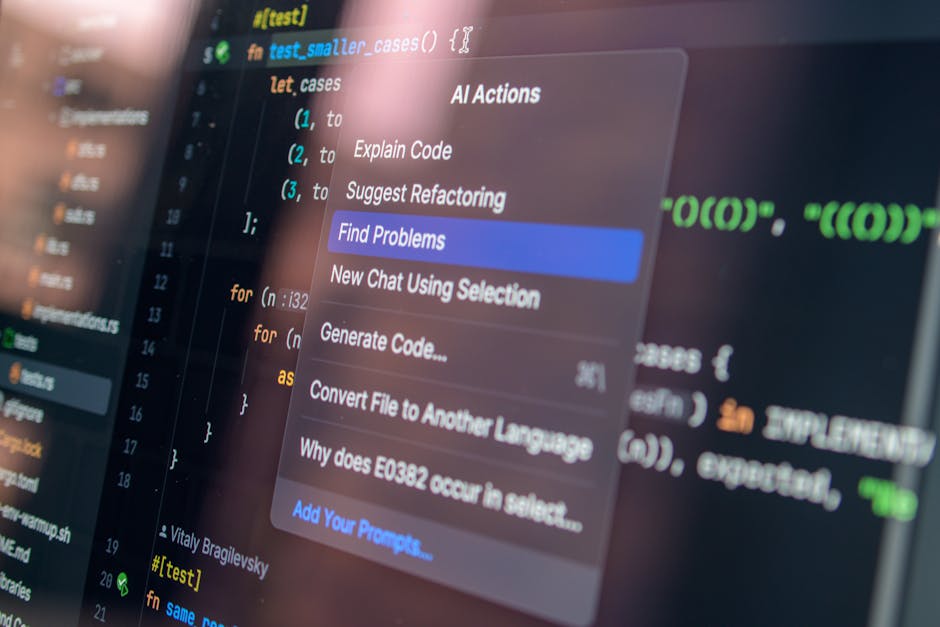
What Vibe Coding Actually Means
Vibe coding isn't "make the AI write code for me." Throwing a task at a model and pasting the output straight in isn't vibe coding. That's copying.
The point is the loop. I define the intent, the AI produces a fast draft, I judge it, fix it, verify it — and I go around that loop quickly. It's a division of labor: the human owns design and judgment, the machine owns repetitive production.
As models like ChatGPT and Claude got sharper, that division became practical. It used to be a nice-to-have assistant. Now it's a step in the pipeline.
Why It's Spreading So Fast Right Now
It changes where your time goes, not just how productive you are
Everyone says productivity goes up. More precisely: your time gets reallocated.
Repetitive work used to eat a big chunk of the day. Boilerplate, the same old API integrations, test cases. None of that is thinking work — it's typing work. Hand it to the AI and the reclaimed hours flow into design and judgment.
Boilerplate becomes AI drafts a human reviews. Integration code gets its skeleton from the model, and you only touch the customization. Generate the test cases, then fill in the scenarios it missed.
A GitHub Copilot study gets cited constantly for a ~55% speedup in writing code. Worth remembering what that number actually measures: typing speed. It doesn't mean your end-to-end lead time — design, review, operations included — drops by the same 55%. But the hands-on-keyboard stretch does get shorter, no question.
Code quality comes from the verification loop, not the tool
Yes, AI catches mistakes people miss. It also produces plausible-looking wrong code.
| Old way | Vibe coding |
|---|---|
| Lots of time in the debugger | Common errors caught fast |
| Everyone codes in their own style | Style guide applied automatically |
| Security holes easy to miss | Basic patterns checked up front |
The right column doesn't happen on its own. Quality goes up only when a human is actually running the verification loop on AI output. Skip verification and quality degrades faster than before, because now you're accumulating bad code at speed.
For juniors it cuts both ways
A beginner who can pull up a working example of a new framework instantly, and pick up best practices fast, has a real advantage. Learning a new framework means seeing example code immediately. Code review feedback arrives in real time. Getting exposed to good patterns from day one is something no junior had a decade ago.
The trap: if you accept the AI's answer without understanding why it works, the output looks fine and your actual ability doesn't move. Looking competent is the most dangerous state to be in. The more junior you are, the more you need the habit of treating the AI's answer as a starting point and taking it apart at least once.
How People Actually Use It
Case 1: MVP speed
I know startups that adopted vibe coding and visibly cut their MVP timeline. The AI helped sketch the first database schema, which cut down on trial and error. Basic CRUD APIs were generated almost entirely. Even the frontend component structure started as an AI proposal.
The catch: this acceleration is biggest in the code you're allowed to throw away. An MVP is a fast validation pass you already expect to rewrite, so it fits. Apply the same approach to a system you'll operate for years and it's a different story.
Case 2: Legacy refactoring
The more experienced the developer, the differently they use it. Less "give me code," more "help me decide." Feed in legacy code, have it summarize the intent, ask for a few refactoring directions and compare them.
Repetitive pattern replacement and beefing up tests — the labor-heavy parts — collapse in time. But the decision about what to change is still yours. AI expands your candidate list fast; weighing the tradeoffs is human work.

If You're Starting, Start Here
Step 1: Pick a tool
Pick one that fits your environment. GitHub Copilot, Tabnine, CodeLlama, whatever. Don't install four of them on day one — get fluent with one.
Step 2: Problem definition beats prompting
Prompting skill matters, but defining the problem you're trying to solve matters more. Vague ask, vague code. That was true long before AI showed up.
Step 3: Start small
Begin where the blast radius is tiny. Get a feel for it somewhere rollback is easy, then work your way toward core logic.
Step 4: Make verification part of the system
Check the AI's code and run the tests. Go past "a human will look at it, it's fine" and force review and tests into the workflow itself. Leave verification to willpower and it's the first thing dropped when things get busy.
Step 5: Keep refreshing
Models and tools move fast. A prompting pattern that worked last year may be inefficient now. Question your muscle memory occasionally.

The Center of Gravity Moves to Judgment
I don't think AI fully replaces developers. It shifts where the weight sits in the job. Producing code quickly becomes commodity. Defining what to build, judging the result, catching the risk — that becomes the scarce part.
The danger in vibe coding isn't laziness. Crank up production speed while skipping judgment and you'll build a wrong system very efficiently. Get the verification loop right and you make more decisions in the same hours.
Which is why I read this as a change in how work gets done, not a trend worth keeping an eye on. The gap that opens up two or three years from now won't be between people who used the tools and people who didn't. It'll be between people who kept stacking judgment on top and people who skipped it.
Pick one small project, hand the draft to the AI, and verify it yourself. Start there.
Was this post helpful?
One click helps me write the next one